One product. Its own story.
A phone and a pair of sunglasses are bought in different ways, so they should not share one product page. Storefront Studio gives every type of product its own product page, designed, previewed and published on live product data.
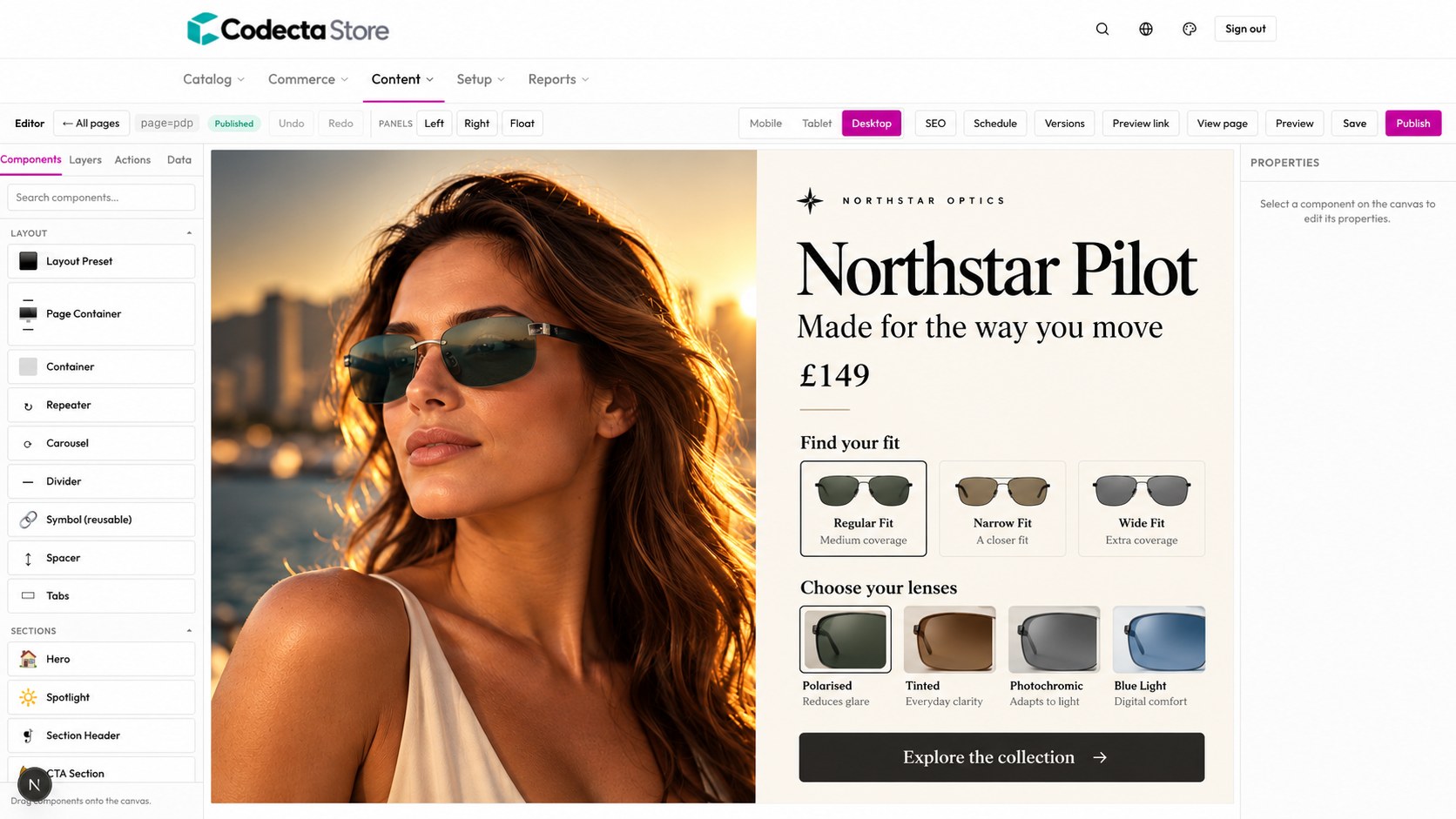
Give phones, eyewear or any product type a product page built around how it is bought.
Price, stock and variants come from the catalogue, so nothing is retyped on the page.
See a template on real products beside the standard page before it replaces anything.
Design each product page on one canvas.
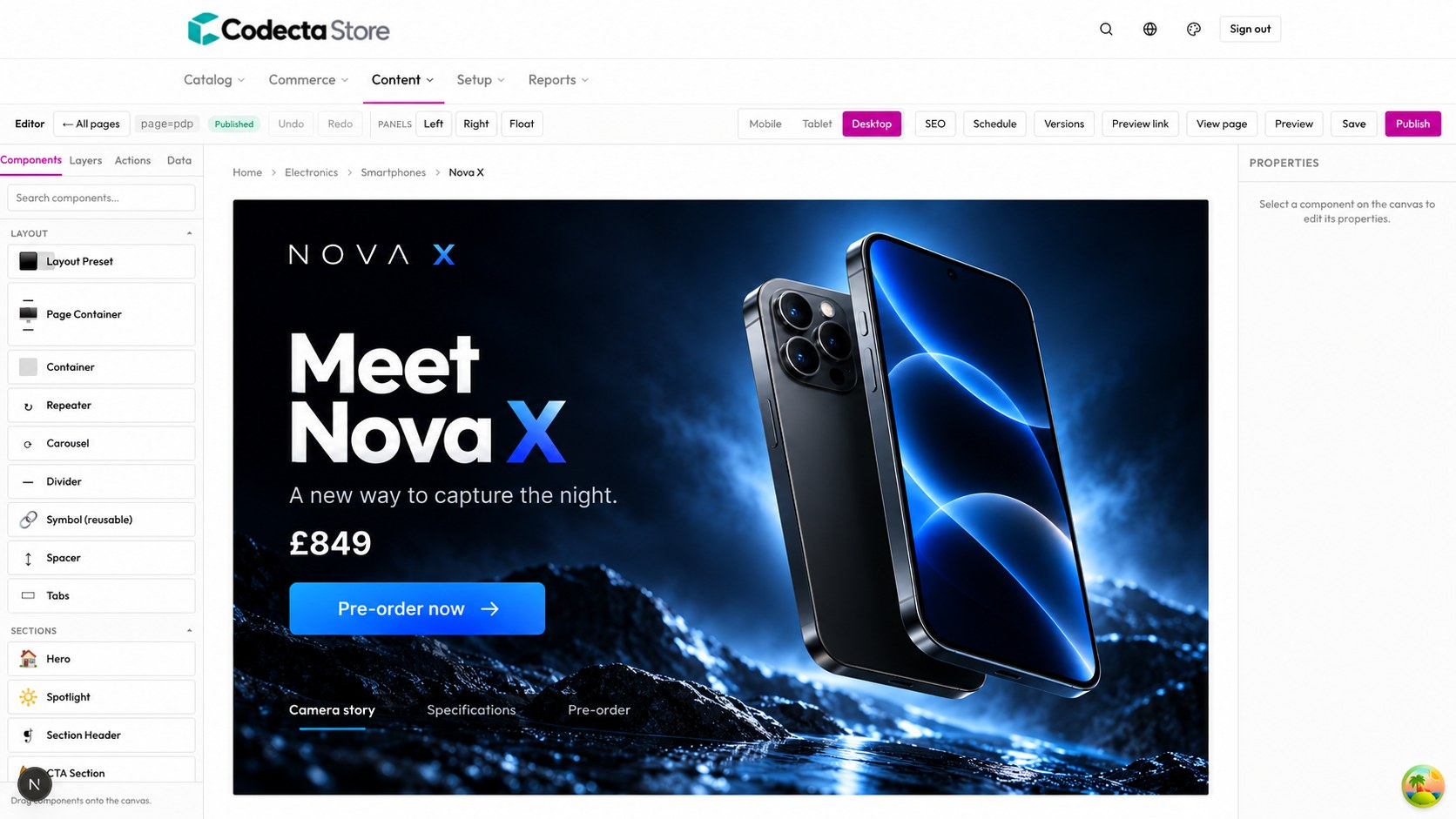
Take a phone. Its product page needs the camera story, clear specs and pre-order choices. In the visual editor marketing and product shape that page together, then publish when it is ready.
- Drag-and-drop building blocks: layout presets, containers, repeaters, carousels, tabs, hero and spotlight sections, and reusable symbols.
- Every view covered: switch between desktop, tablet and mobile, then set SEO details for the page.
- Safe publishing: schedule a page, keep versions, share a preview link, and publish when it is ready.
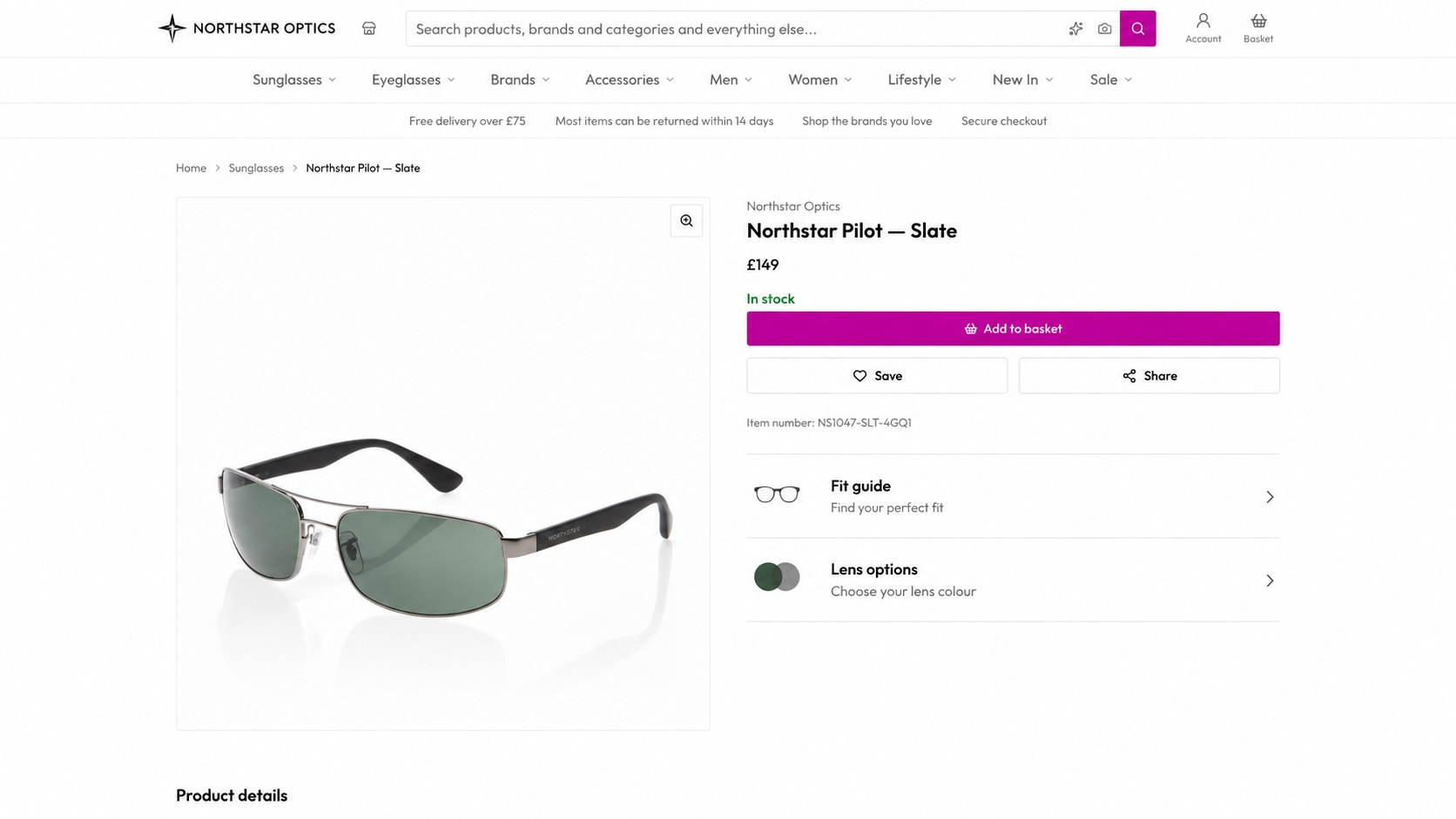
Sunglasses get a product page of their own.
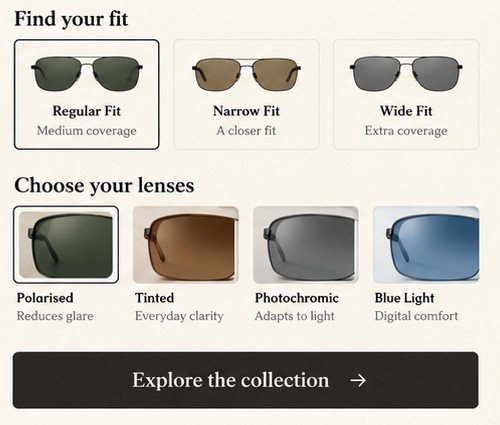
The phone page and the sunglasses page are both product pages, each built for what its shopper has to decide. Give sunglasses a layout built around fit and lenses, with the choices a shopper actually needs to make, all on live catalogue data.
- Variant pickers that make sense: swatches for colour, pills for size, configured once for the catalogue.
- Add-ons and personalisation: optional extras such as cover, engraving or custom text, offered as clear options on the page.
- Rules in the page itself: show an “In stock” line in green and “Out of stock” in red from one expression, instead of two blocks.
Apply a product page design to a whole product type.
Once a team has a product page it is proud of, it applies that design to every product it fits. Category and search pages can be templated the same way, so a range keeps one voice from listing to basket.
- Preview on real products: each template has a twin of the standard page, so it can be checked on live data before it replaces anything.
- Pin a preview product: choose which product a template previews with, by slug, URL or name search.
- Pages, categories and search: product detail, category and search pages can each use their own template.
One product page per product type
Product page: camera story, specs, pre-orderCamera-led
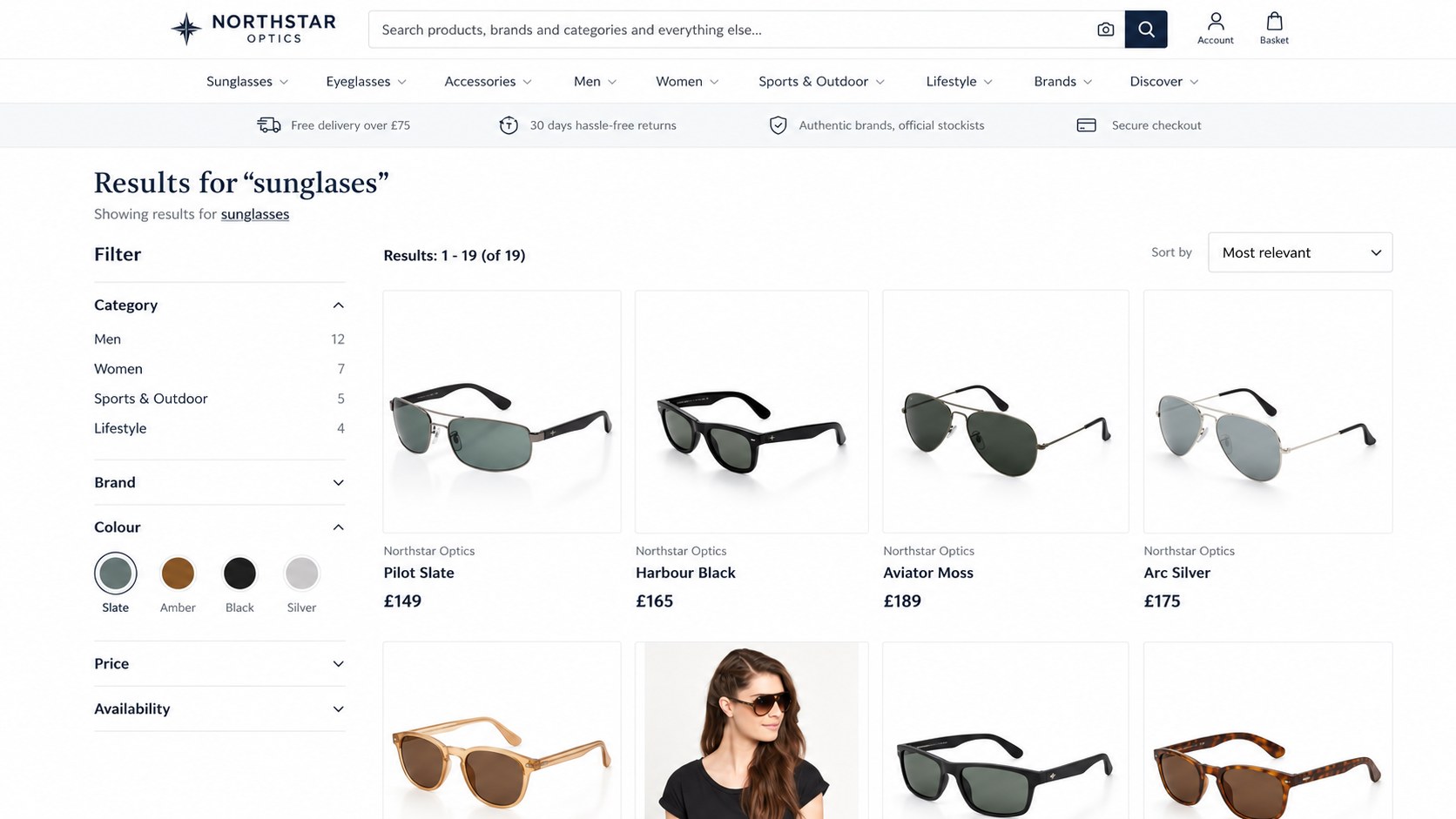
Product page: fit guide, lens pickerFit-led
The standard product pageDefault
The same product record feeds every design: change a price or stock level once and every page agrees.

Two product pages: the sunglasses page opens on editorial imagery, the phone page on the device. Same platform, a product page for each.
From idea to a product page that sells.
The page stays connected to the rest of the shop, so publishing it does not mean coordinating five systems.
Design the product page
Marketing and product build it together in the visual editor.
Preview on real data
Check it on live products beside the standard page.
Publish when ready
Schedule it or publish it, with versions to fall back on.
Everything stays connected
Price, stock, offers and search keep using the same product record.
Give every range the page it deserves.
Bring your hardest product and we will build its page with you in a tailored demo.