Found, however they ask.
A misspelling or a vague description can still lead to the right result. Search tolerates typos, understands meaning and lets shoppers search visually and narrow by a colour choice instead of guessing the right keyword.
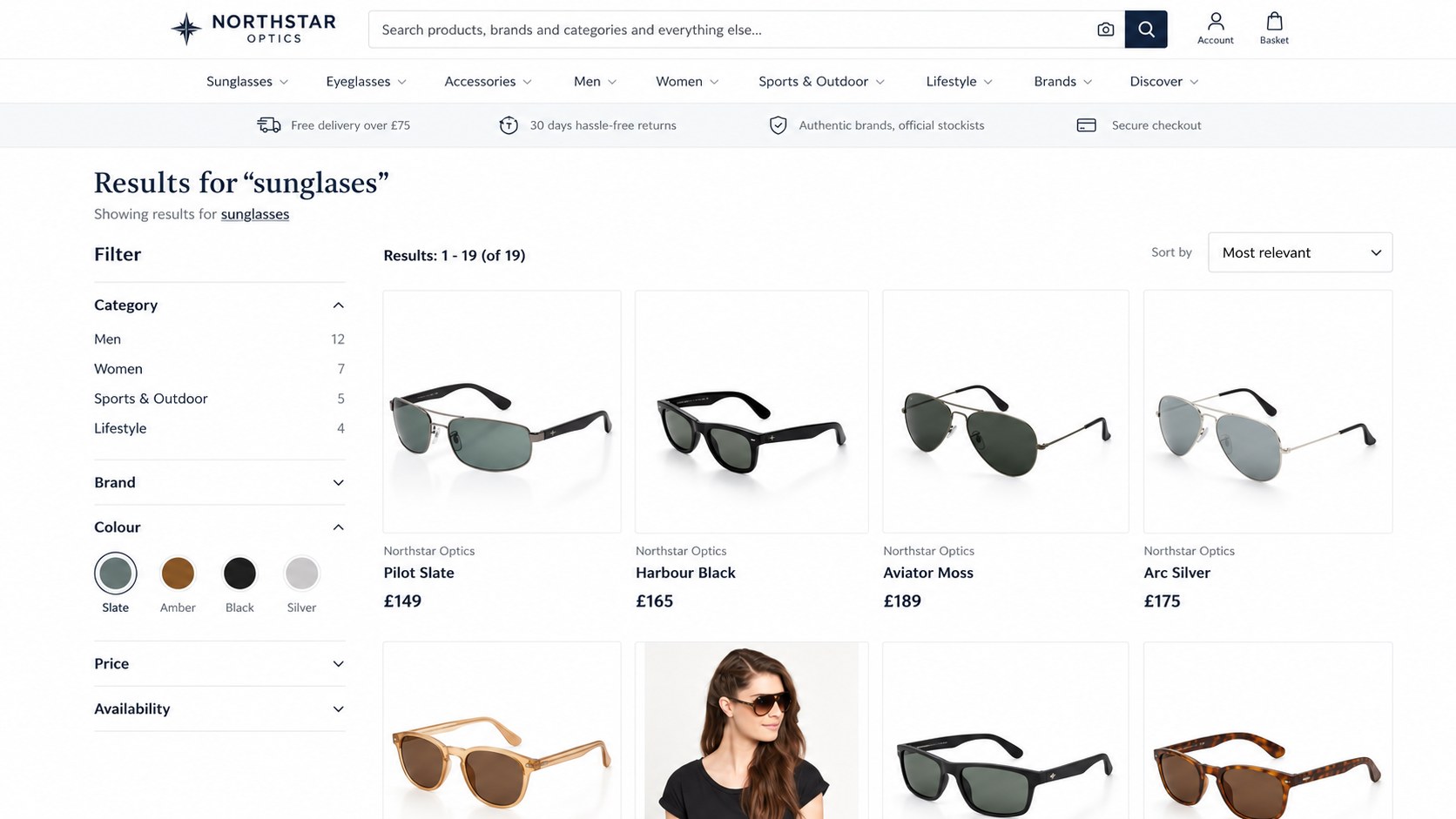
Typos and loose descriptions still land on the right products.
Semantic search finds products by meaning, and visual search finds similar-looking ones.
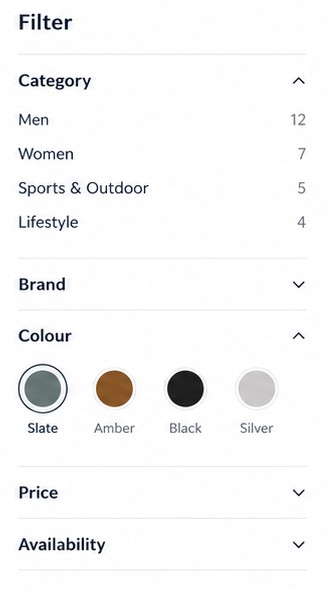
Colour swatches and readable values, not codes a shopper has to decode.
Filters shoppers can see.
Colour they can see, not codes they have to decode. Facets show the count behind every choice, and a filter a shopper has used keeps its siblings visible so un-ticking is always possible.
- Colour swatches: a colour facet shows the actual colour, with a clear selected state.
- Honest counts: the results, the facets and the page all describe the same set of products, so a count never promises what the page cannot show.
- Category trees: choosing a category goes into it, so counts describe what is inside, not the whole catalogue.
Search by look, not just words.
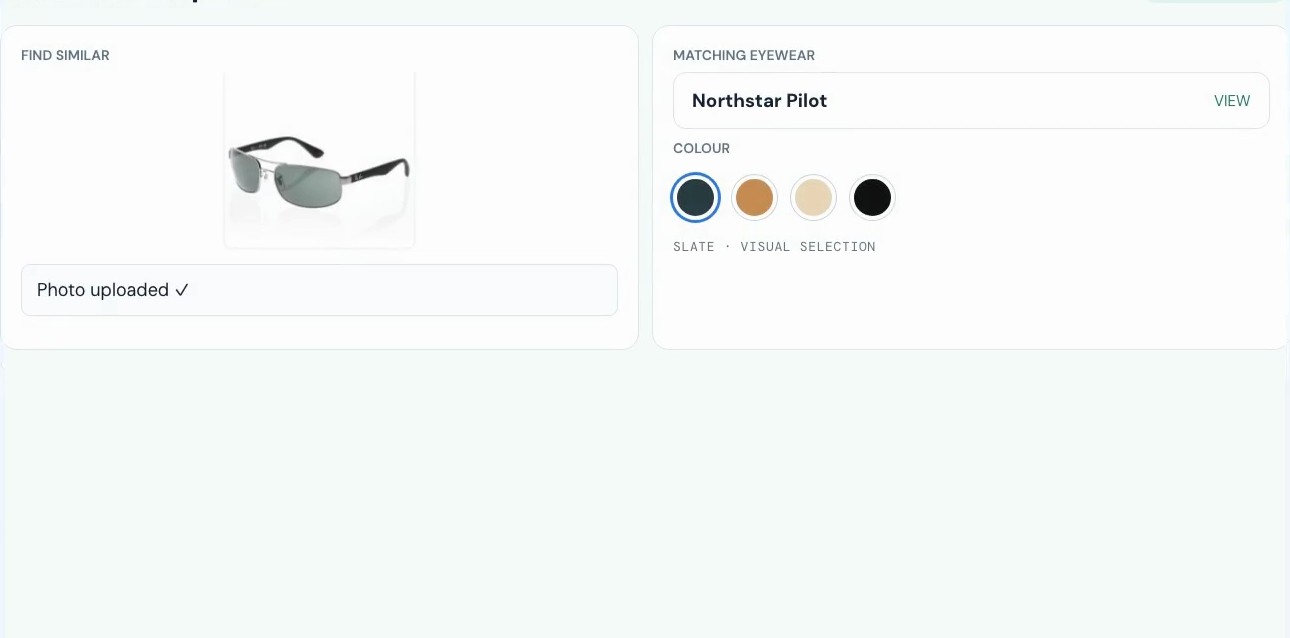
Shoppers do not always have the word for what they want. Start from an image, find similar-looking products, then refine by colour from a visual selection.
- Find similar: an image becomes a starting point for matching products.
- Refine visually: narrow the matches with a colour choice instead of retyping the search.
- The same filters apply: price, stock and other facets still narrow the results.
Steer the results you know matter.
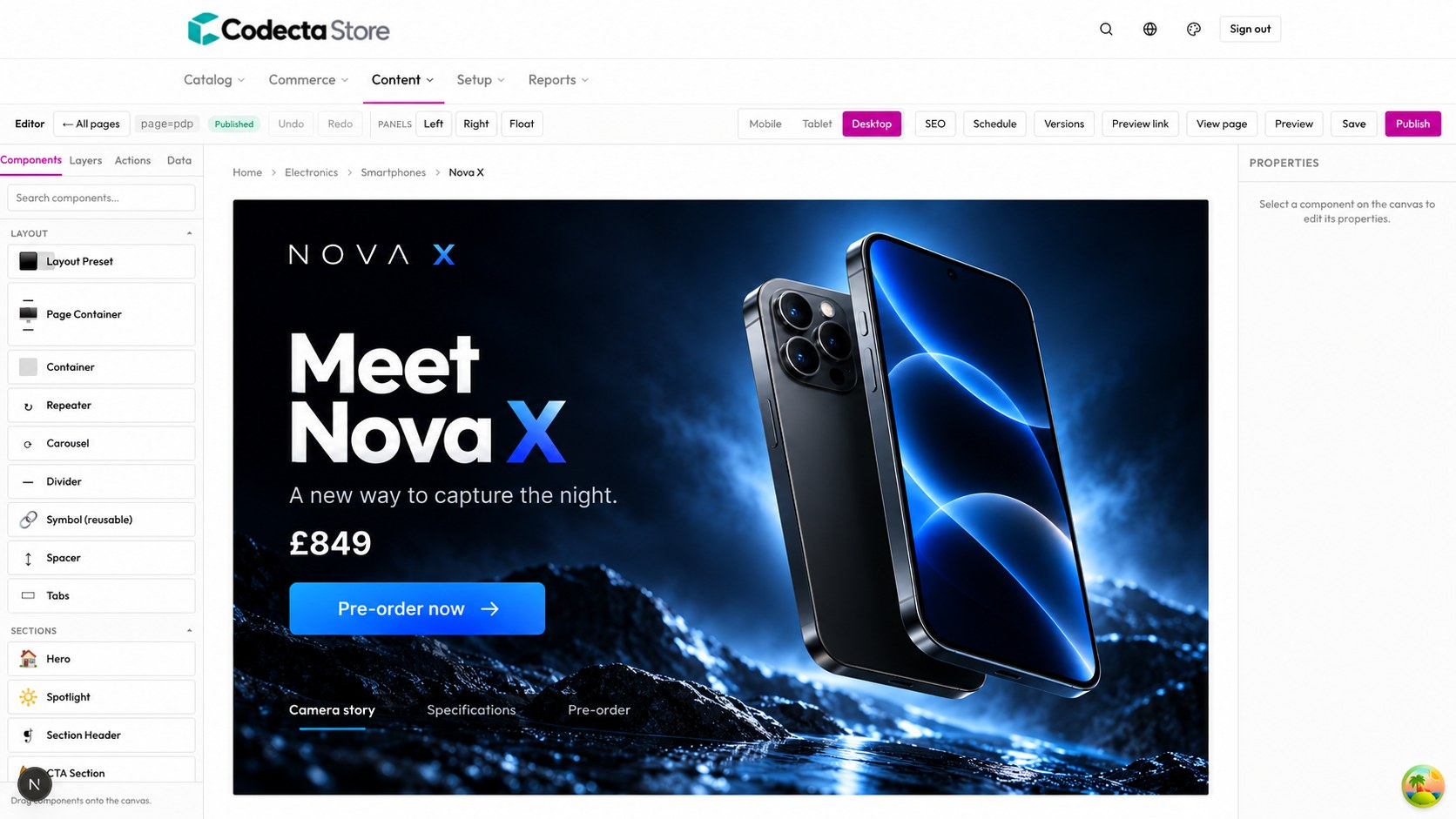
Search is not only relevance. Merchandisers get levers for the searches they know: synonyms, pinned and hidden products, boost and bury, and redirects. Rules can carry dates, so a campaign ends by itself.
- Five levers: synonyms, pins, hides, boost and bury, and redirects, all editable without a release.
- Counts stay honest: a hidden product leaves the page and the count together, and a pin does not sneak in something the shop does not sell.
- Try a query: a built-in panel shows which rules fire for a search, and which rules in force do not match it.
Rules in force
Boost and bury apply to relevance sorting only, so “price, low to high” stays a straight answer.
A shopper types “sunglases”.
Northstar Optics still finds the right frames, and every filter agrees with the page.
A typo is typed
The shopper misspells the word they are looking for.
Search understands
It tolerates the typo and finds the intended products.
A colour is chosen
The shopper narrows with a swatch they can see.
Counts match the page
Results, facets and the page describe one set of products.
Let your shoppers find it.
Bring your catalogue and the searches that matter most. We will show how they behave in a tailored demo.