A simple deal. Done properly.
Twenty pounds off a basket over £150 is easy to say. Deciding which products qualify, when it runs and what it can stack with is the hard part. Those rules live in the discount engine, next to the basket they price.
Native offers built into the engine, not a plugin bolted on beside the basket.
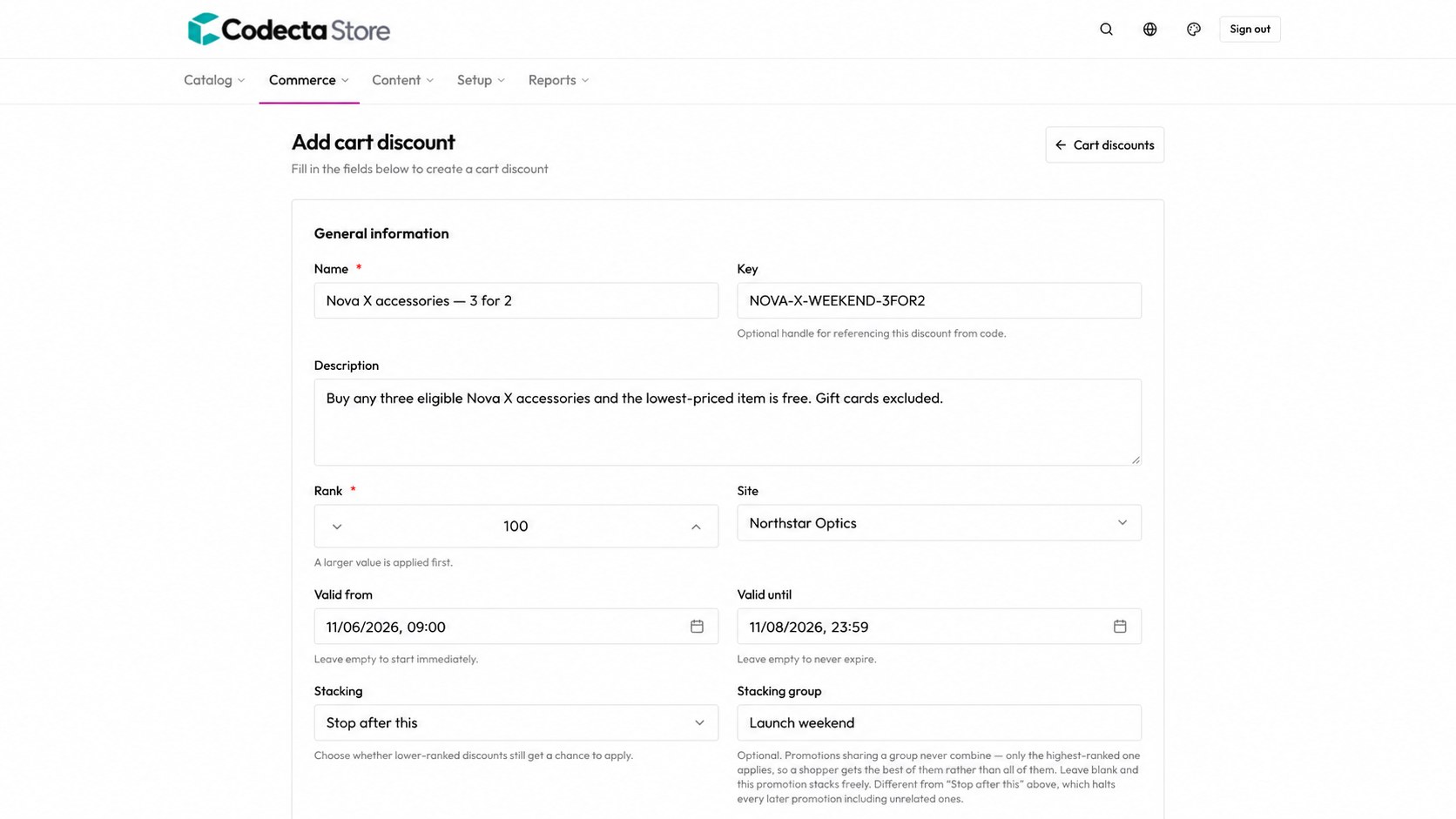
Choose the products, the audience, the dates and how an offer combines with others.
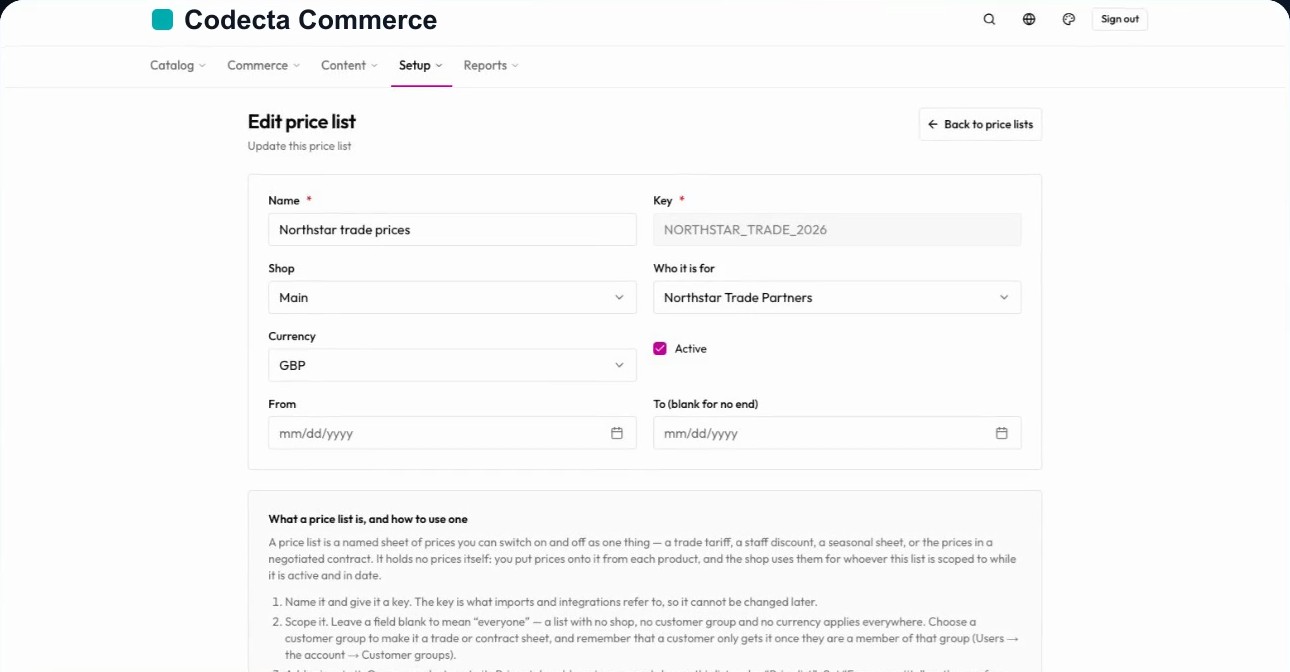
Give trade customers their own price list, scoped to a customer group.
Rules your merchandisers can read.
The shopper sees a simple deal. Behind it, the team decides which products qualify, when it runs and whether it can combine with another promotion. The engine applies the right price at checkout.
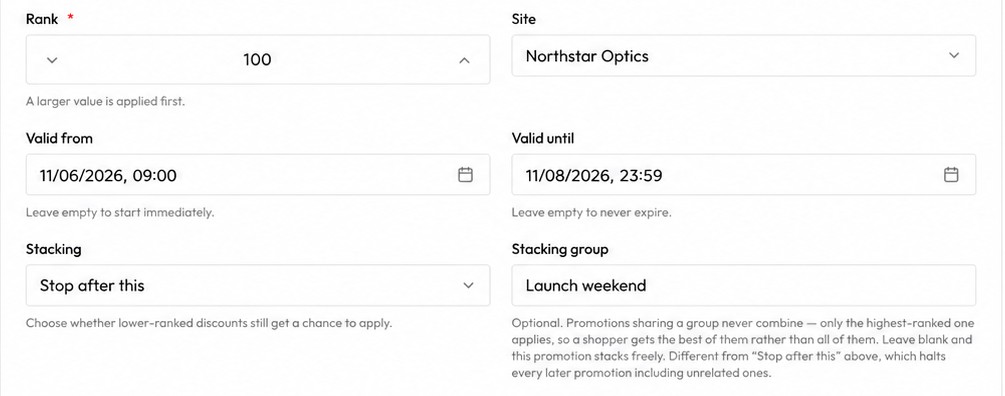
- Ranked and scheduled: a larger rank is applied first, and a promotion starts and ends on its own dates.
- Stacking you control: stop after this promotion, or put promotions in a group so only the best of them applies.
- One condition language: the same rule format drives offers, customer segments and tile badges, so there is one thing to learn.
Nova X accessories: buy three, the cheapest is free.
3 for 2The rules behind it.
Agreed prices for the customers who have them.
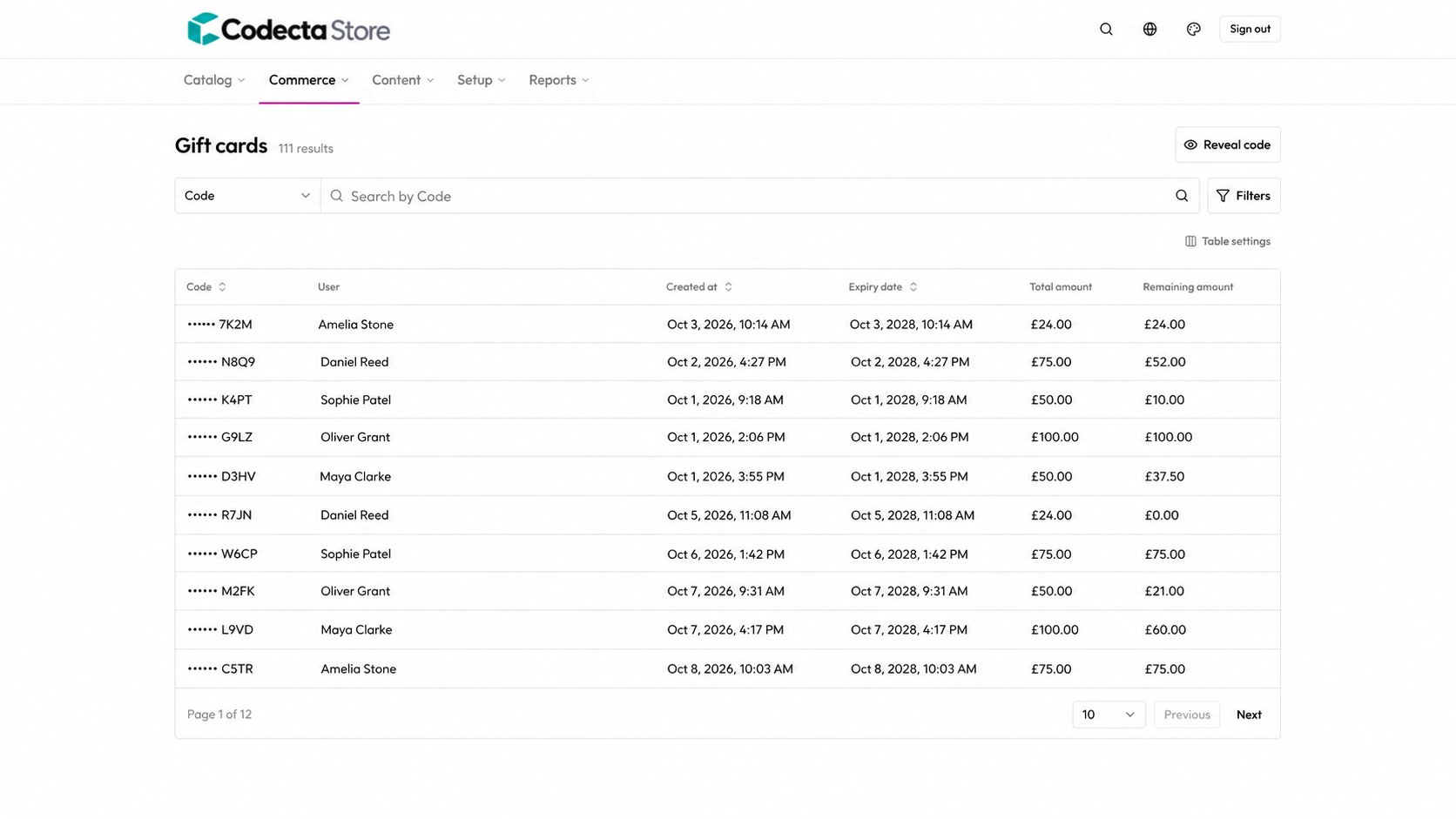
Trade customers can have their own agreed price list. A price list is a named sheet of prices you switch on and off as one thing: a trade tariff, a staff discount, a seasonal sheet or a negotiated contract.
- Scoped to who it is for: attach a price list to a customer group, a shop and a currency, with start and end dates.
- Quantity breaks: set a “from quantity” on a price row for volume pricing.
- Segments that maintain themselves: customer groups can be rule-driven, such as order count or lifetime value, and refresh on a schedule and when an order lands.
Offers shoppers can actually browse.
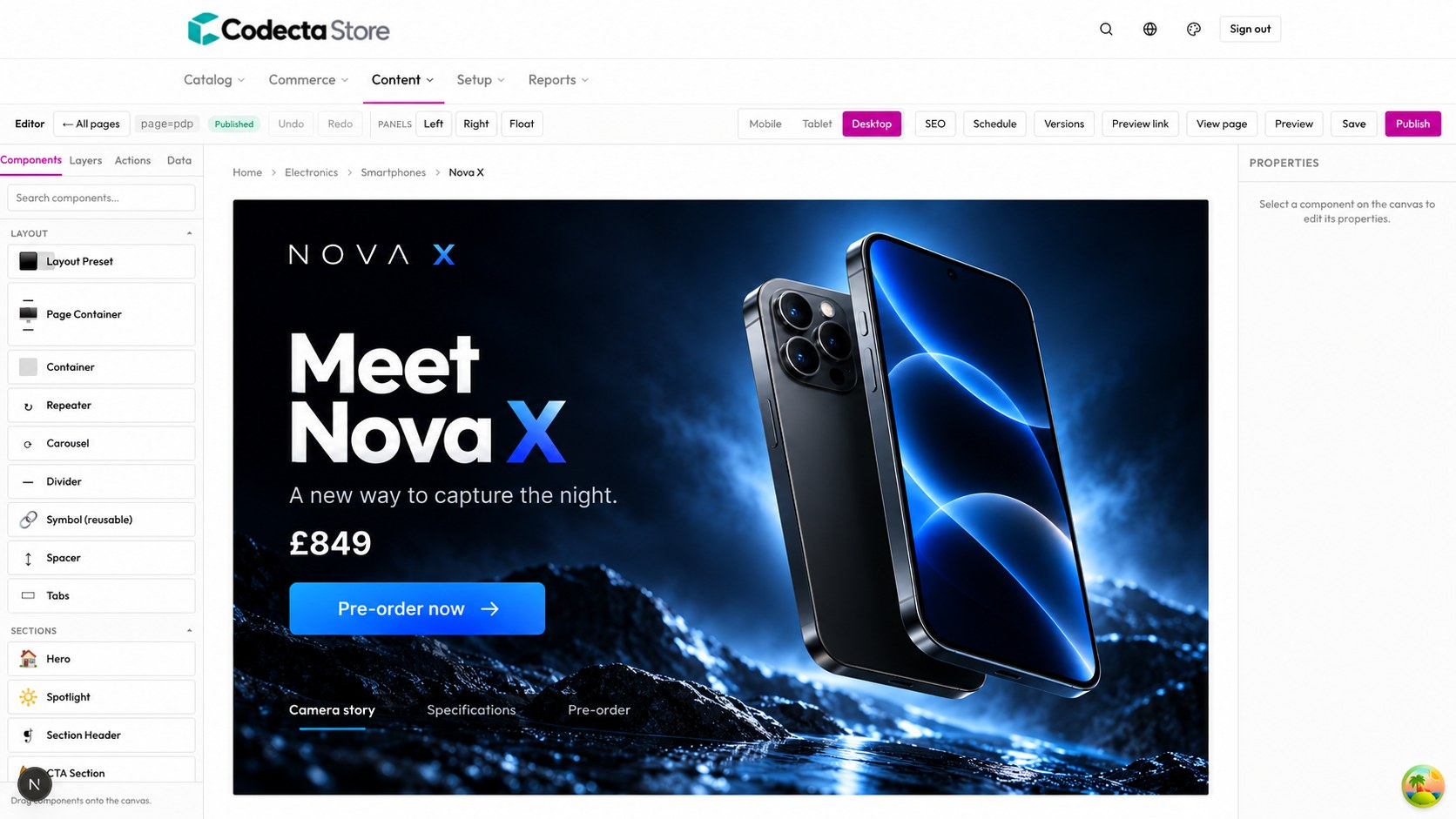
A promotion is only useful if shoppers can find it. The same rule that prices the basket also decides the badge on a product tile, the offers page and the recommendations beside a product.
- Badges and an offers page: products in a live promotion are badged and browsable under “On offer”.
- Offer recommendations: asked of a television in a buy-a-TV-get-a-soundbar offer, the shop suggests the soundbar, and the other way round.
- Offers end on time: a promotion that has finished stops being advertised, with nobody remembering to switch a flag off.
The rule is written once
No separate “sale” flag to keep in step with the promotion.
From headline to the right price at checkout.
The weekend launch works because the rules sit next to the basket, not in a separate tool.
Write the offer
Name it, describe it and choose what it gives.
Choose who and when
Pick the products, the audience and the dates.
Decide how it stacks
Stop after this one, or share a group so only the best applies.
Price the basket
The engine applies the right price at checkout.
Bring us your hardest promotion.
Tell us the offer, the exceptions and the stacking rules. We will show it running in a tailored demo.